
Private messaging with a clear ending
Say it. Send it. Watch it vanish.
CLOAK is a free private message service for sensitive notes, access details, quick thoughts, and anything that deserves a clear ending. Say it once, send the link, and let the message vanish.
No phone number required
Expiration-first design
Free to use
Mobile app experience
CLOAK feels simple, dark, and deliberate.
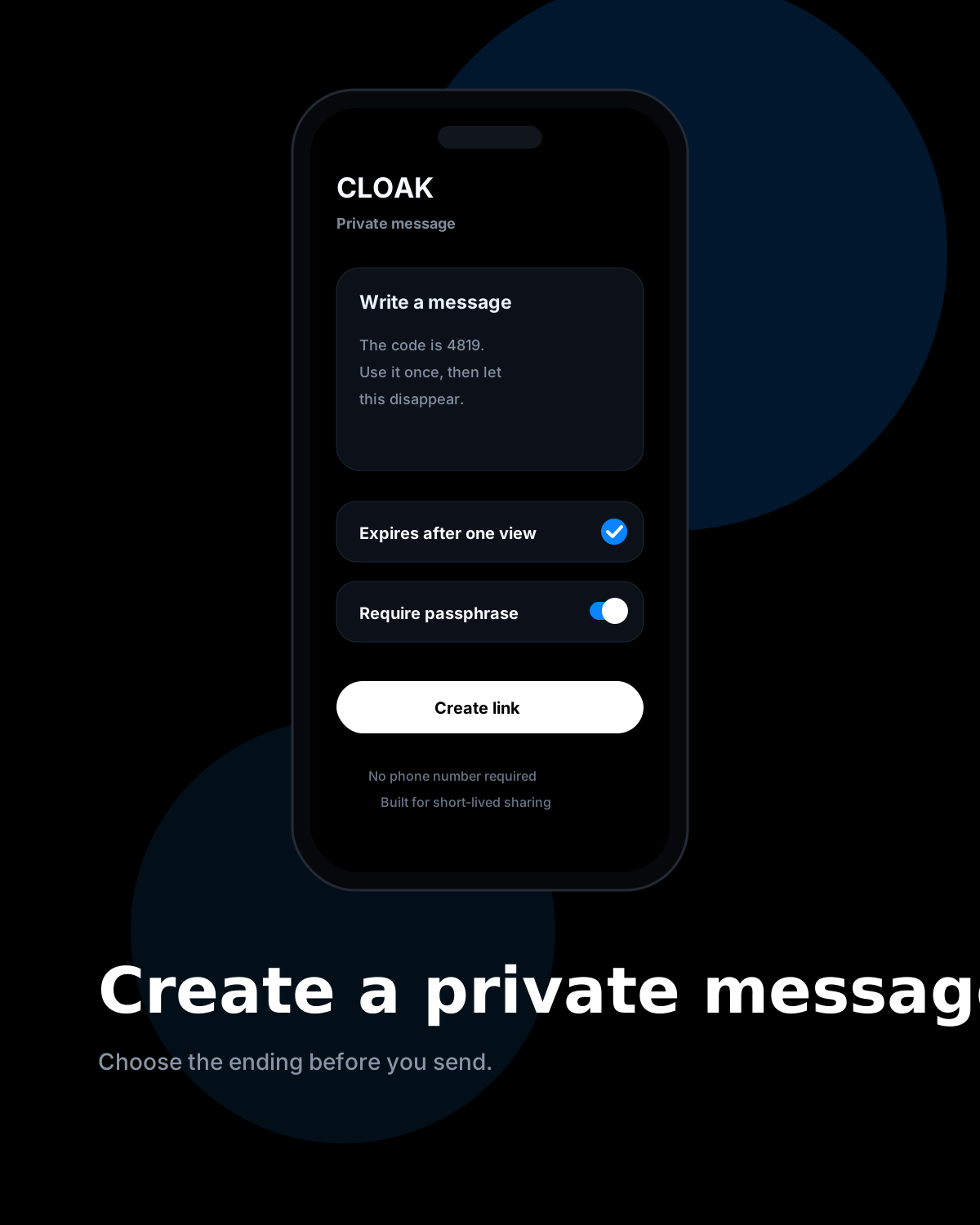
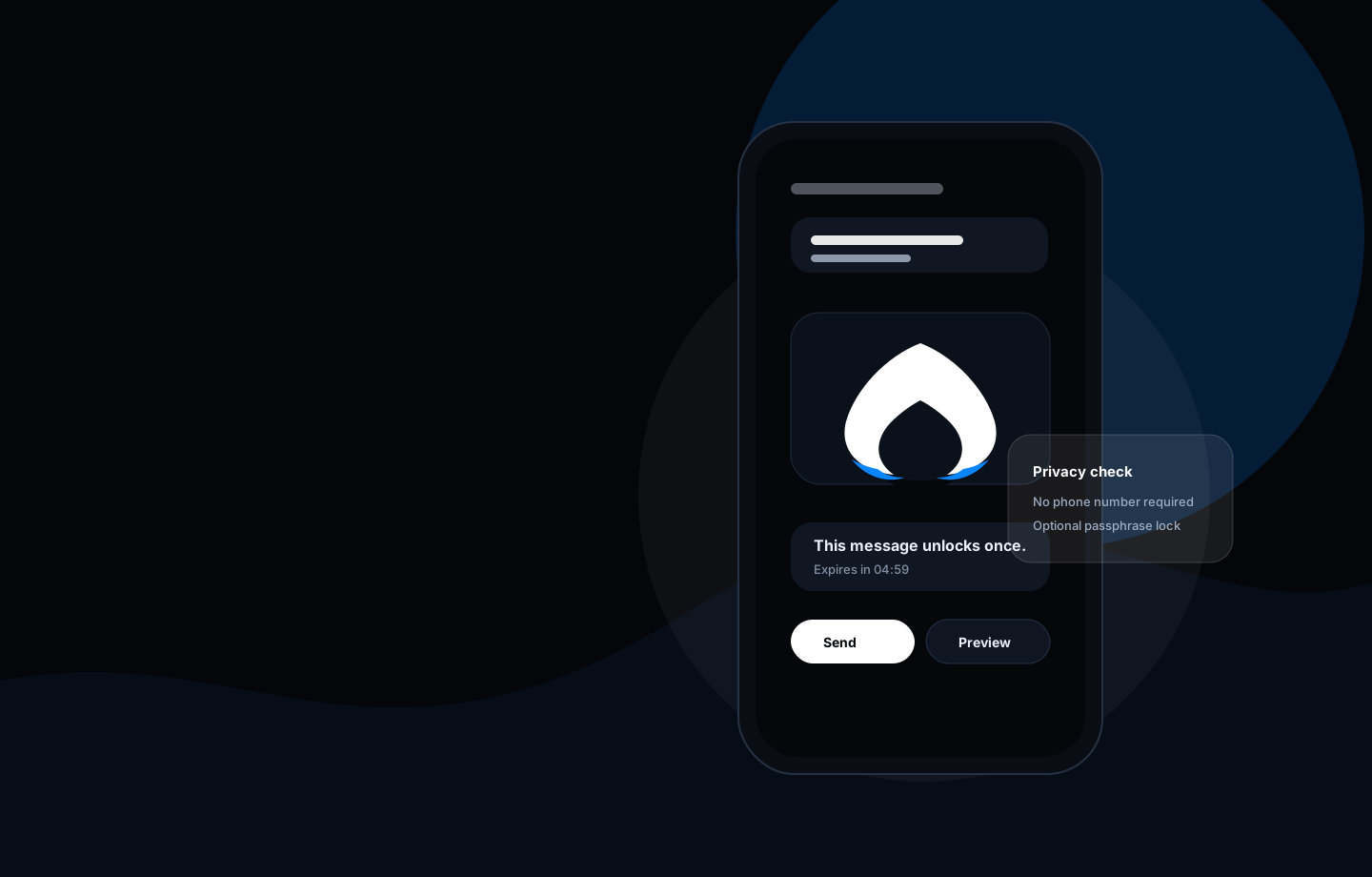
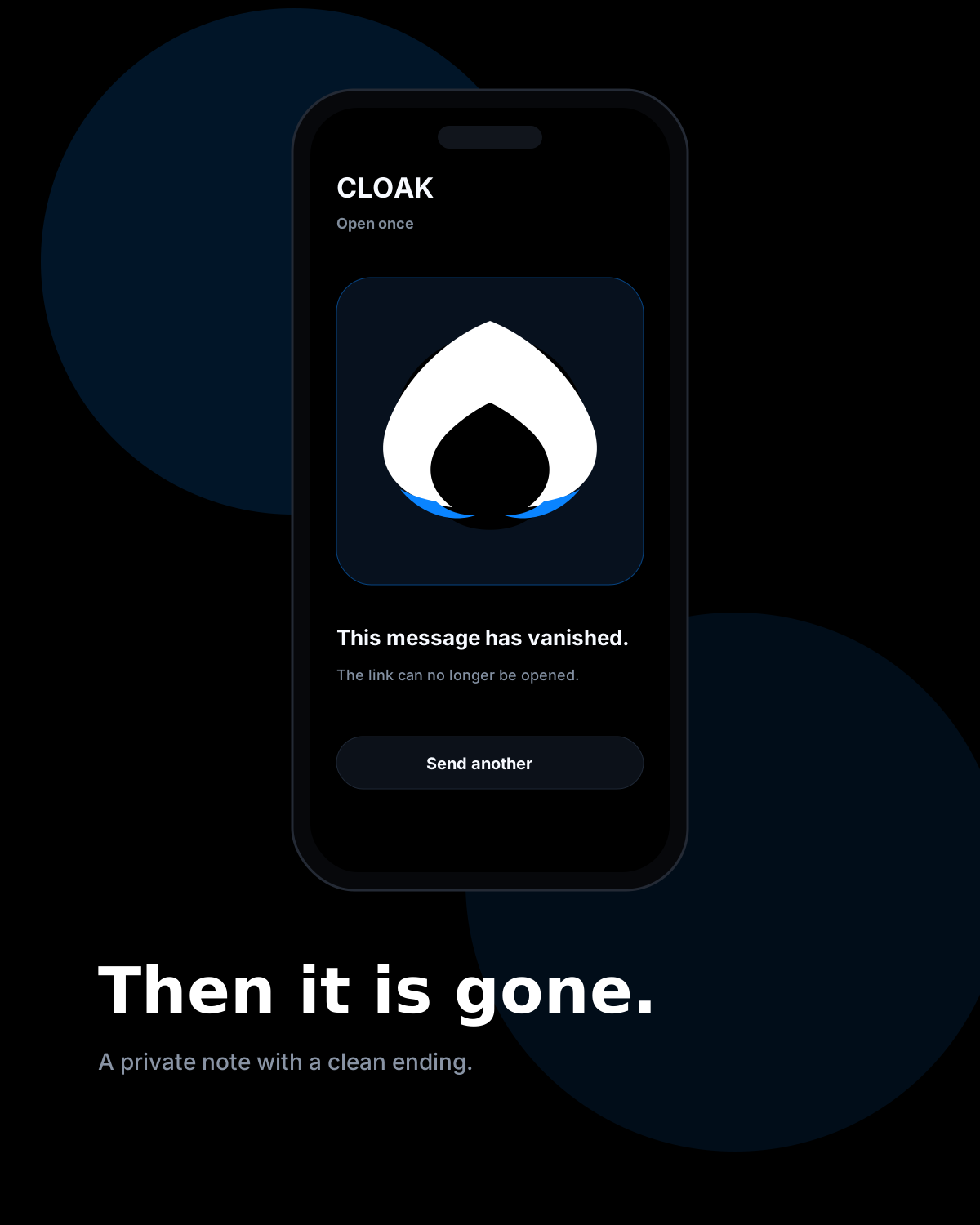
The CLOAK experience centers on three moments: create the message, set the ending, and see clearly when the message is no longer available.
App screens
The product speaks for itself.
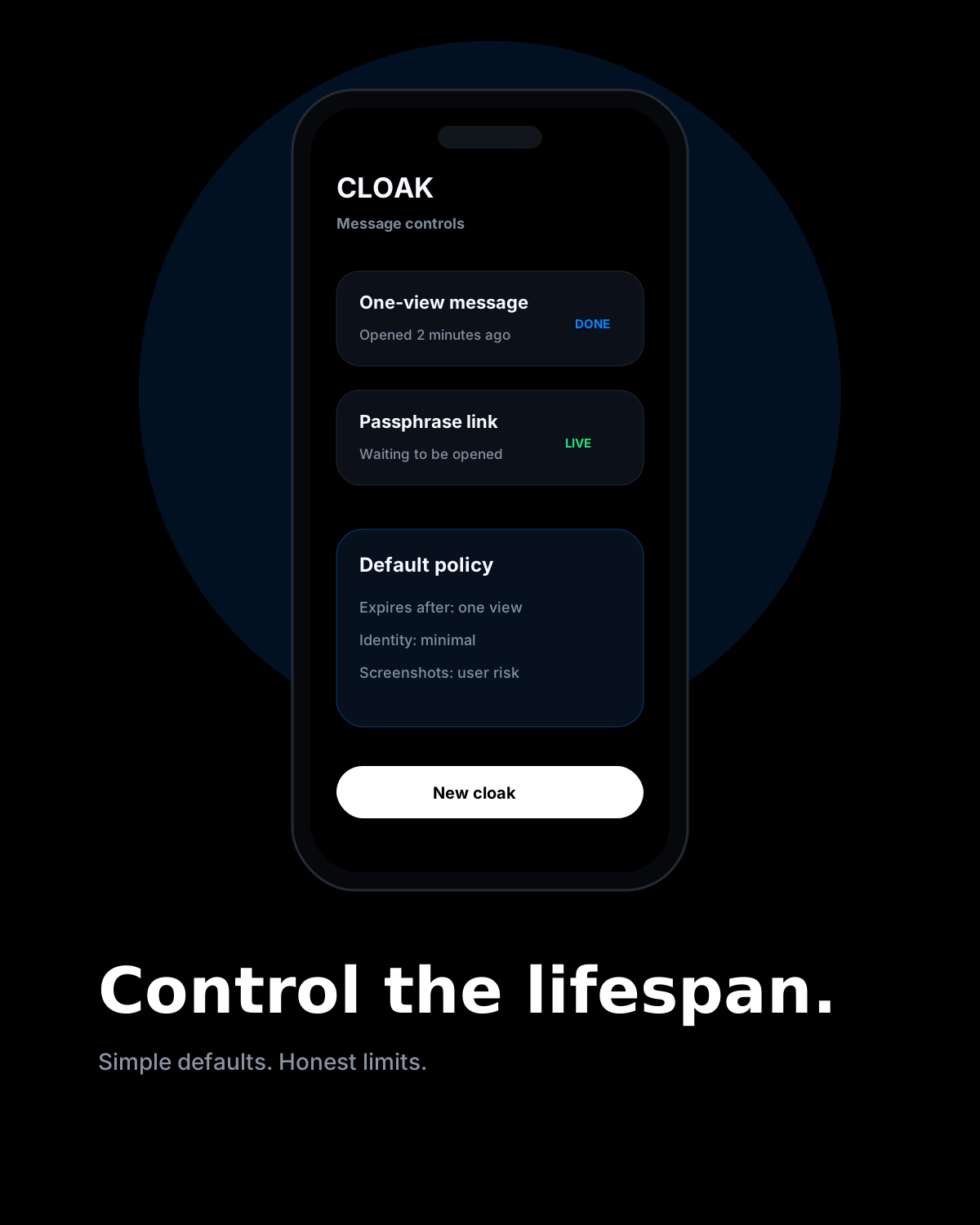
Less explaining, more proof. These screens show the simple flow: write, lock, send, read, expire, and verify.


Built around clear privacy principles.
Less unnecessary identity, clear controls, plain language, and transparent limits.
Trust is visible.
Privacy is explained through understandable behavior, careful defaults, and documentation people can actually read.
Designed around one clear job.
Private messages with a defined lifespan, without turning every exchange into a permanent conversation.
Product
A private message with an ending.
CLOAK keeps the interaction deliberately simple. Write the message, choose how it should expire, add optional protection, then send a private link. The product does not need to behave like another inbox.
That is the point. Some communication belongs to the moment, not the museum.
01
Write
Create a private message without building a permanent thread.
02
Set limits
Choose expiration by time, view count, or both. Add a passphrase for sensitive shares.
03
Send
Share a link through the channel you already use. CLOAK handles the short life of the message.
Privacy model
Less to collect. Less to leak. Less to explain later.
CLOAK puts the privacy model in plain language: less unnecessary identity, clear controls, and transparent limits.
Identity-light sharing
Private links and optional passphrases keep simple shares from turning into a heavy account flow.
Expiration by default
Temporary communication should not require cleanup later. CLOAK makes endings easy.
Plain-language controls
Clear labels like “expires after one view” make message rules easy to understand.
Honest limitations
No service can stop screenshots or protect a compromised device. CLOAK explains those limits clearly.
Message policy
Expires
After 1 view
Access
Link + passphrase
Retention
Short-lived by design
Identity
Minimal by default
Security principles
Security without the noise.
The best products in this space make serious choices feel ordinary: no unnecessary identity fields, careful defaults, transparent documentation, and visible controls.
- Clear expiration and view controls
- Optional passphrase before opening
- Minimal account requirements for simple shares
- Straightforward security documentation and transparent limits
Use cases
For the message that should not live forever.
Temporary codes and credentials
Send short-lived access details without leaving them in a permanent chat history.
Private notes
Share a thought, detail, or reminder that only needs to exist long enough to be read.
Client-sensitive details
Move sensitive snippets through a controlled flow instead of a long-lived message thread.

Free service
CLOAK is free. Full stop.
CLOAK is free. You should be able to send a private disappearing message without friction, confusion, or a payment form standing between you and the message.
- Free private disappearing messages
- Free expiration controls
- Free optional passphrase lock
- No payment form for CLOAK
More app views
Every screen makes the promise clear.
The interface keeps creation, access rules, sharing, and expiration easy to understand at a glance.
CLOAK on the web
Create a private message with a clear ending.
Write what you need to share, choose the message limits, add a passphrase when appropriate, and send the private link through the channel you already use.
No phone number required for basic sharing.
How CLOAK works
New CLOAK
PRIVATEExpires
Passphrase protectionAdd another barrier before opening.
Choose the controls that fit the message, then share the private CLOAK link with your recipient.
CLOAK Help & FAQ
Questions deserve clear answers.
Learn how CLOAK works, how messages expire, what privacy protections mean, and what to know before opening a private link.
01
02
03
04
Getting started
The basics of creating, sending, and opening a CLOAK.
Messages & expiration
Views, time limits, passphrases, and what happens when a message ends.
Security Center
Protection principles, technical claims, lifecycle, and transparent limits.
Safety & anti-phishing
How recipients can recognize official links and handle suspicious messages.
Trust Center
Privacy without the theater.
Understand what CLOAK is built to protect, where its limits are, and how the service approaches temporary private communication.